Choose a business contact
Search the CRM-connected directory or open a lead or customer record. Agents see the business context before they place the call.
L2S can become the default Android phone experience for business calls, Recents and customer follow-up. Agents keep working naturally while the company gains a complete, permission-aware record of business activity and the next action.
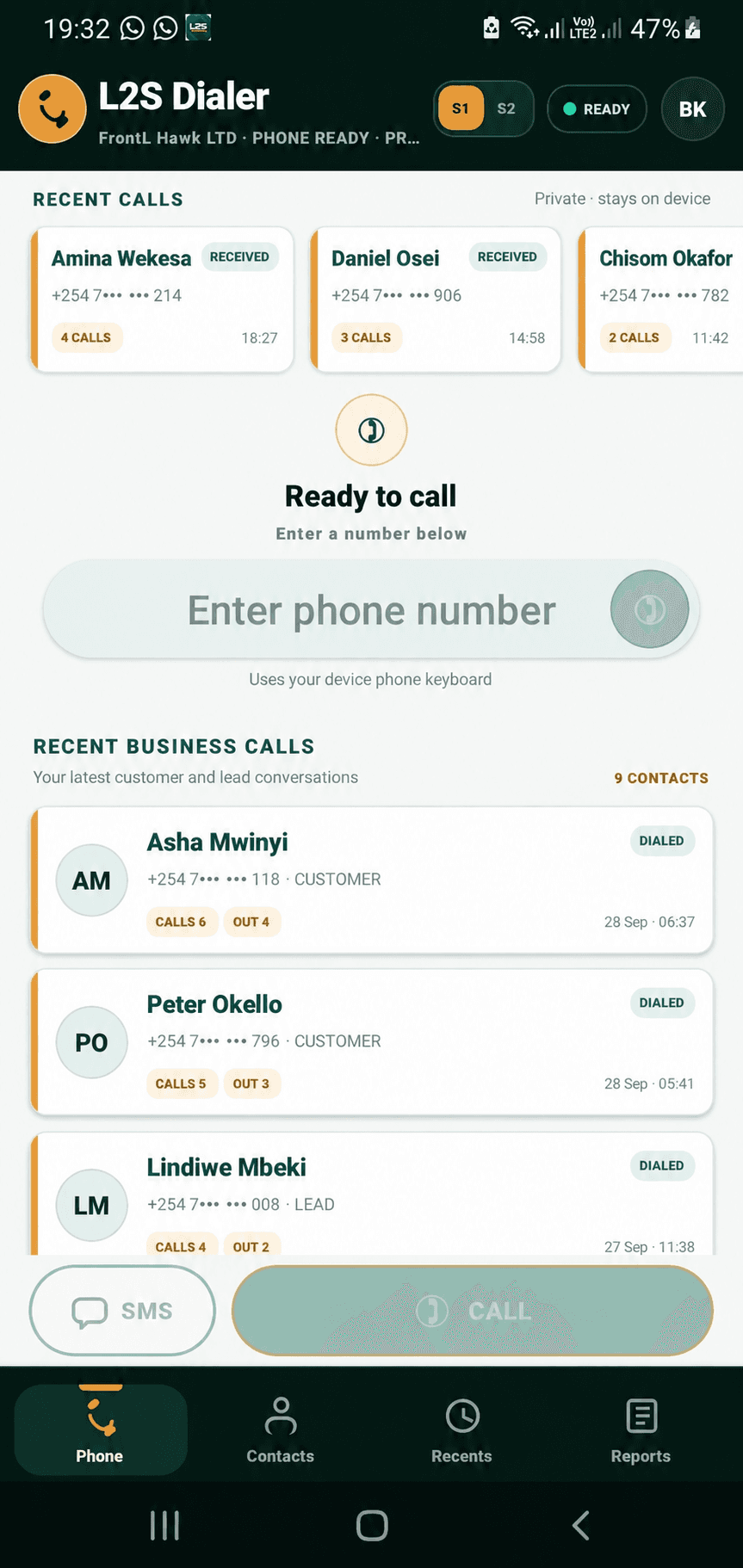
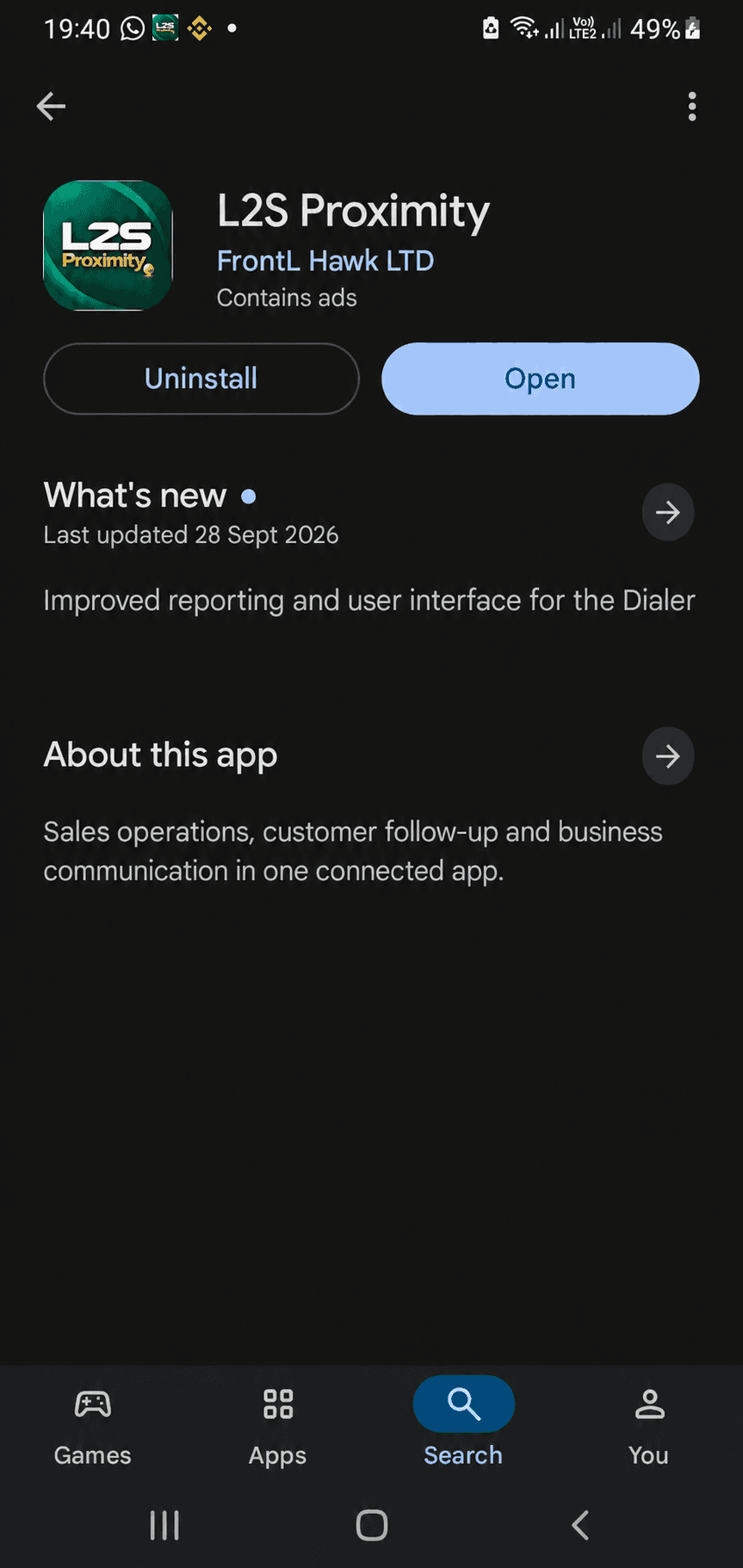
Install L2S Proximity from Google Play and the phone presents two focused entry points. L2S Proximity opens the wider mobile workspace for CRM, Sophia, field work and sales; L2S Dialer opens the business calling, Recents and communication-reporting experience. Both belong to the same product and company workspace.

A call count alone cannot explain performance. L2S connects who was contacted, how long the conversation lasted, what happened and what the agent promised to do next.
Search the CRM-connected directory or open a lead or customer record. Agents see the business context before they place the call.
Use the Android phone experience and, on dual-SIM devices, select the appropriate line for the conversation.
Supported business-call metadata, time and talk duration are connected to the customer record automatically.
The agent records the discussion, result and next step after the call instead of leaving management to guess what happened.
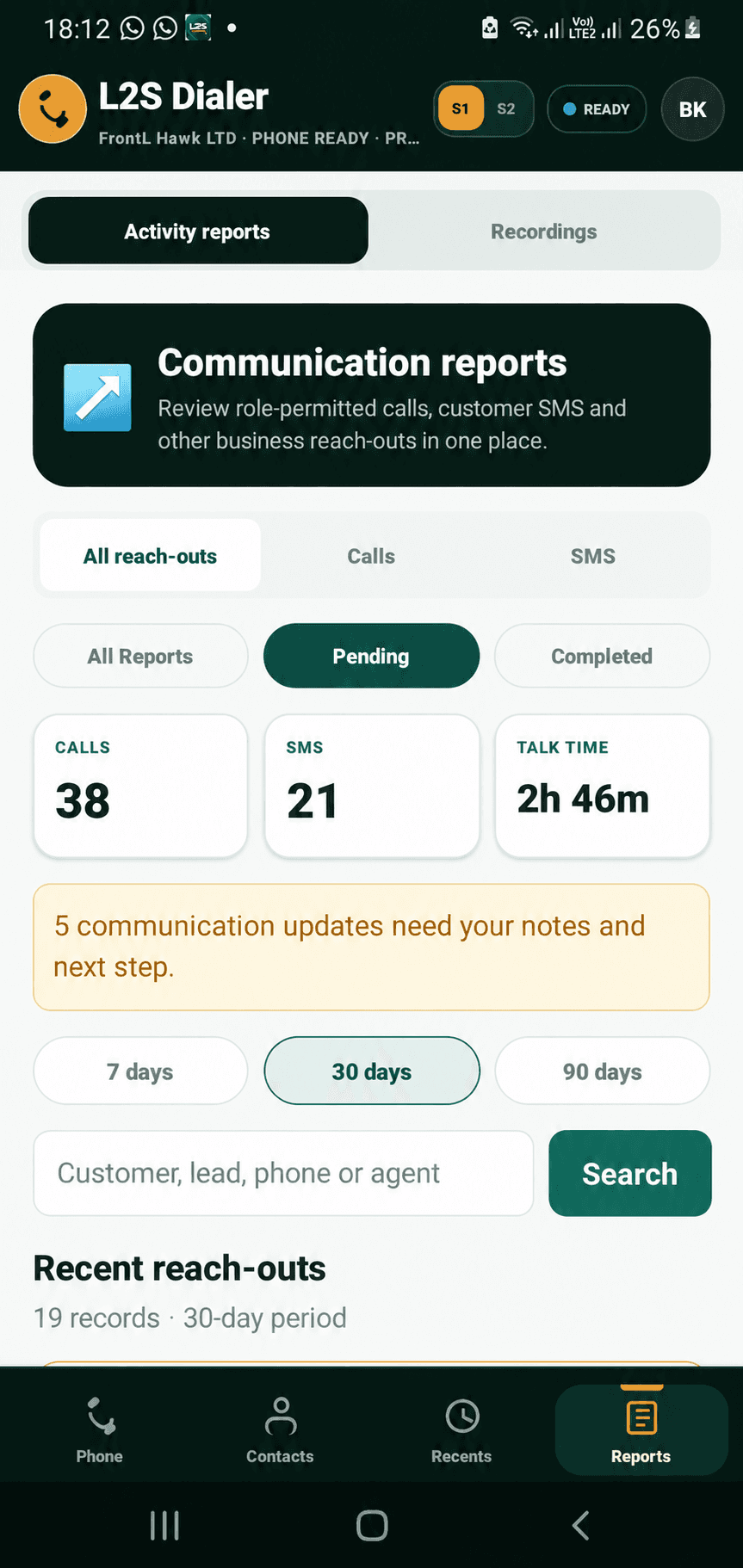
Outstanding reports and dated next actions stay on the agent overview and in authorised management reporting.
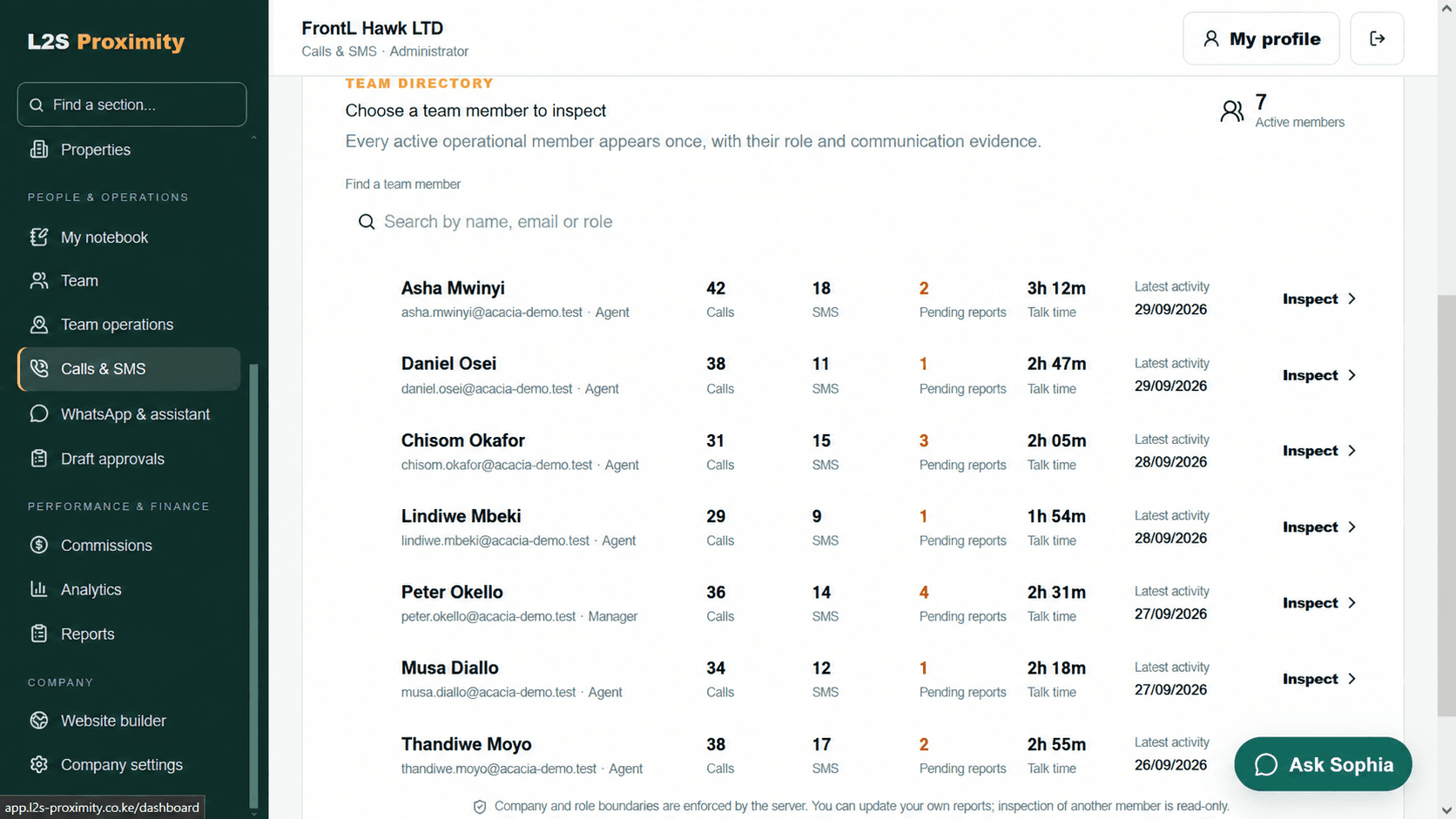
The activity view brings calls, user-confirmed SMS outreach, talk time and outstanding communication updates together. Agents can see which records need notes; managers can review activity alongside pipeline and sales rather than rewarding raw call volume alone.
The mobile workflow is designed to give the organisation legitimate business context while preserving private device activity and explaining what is collected.
Management reporting is designed around CRM-recognised business activity. The agent can still use the device for private communication outside that business view.
The app can open the user's chosen messaging app. The agent then confirms a customer outreach event for the CRM; L2S does not read message content or device SMS history.
Call activity and talk duration may be reported where Android and granted permissions support them. This does not mean conversation audio is uploaded or listened to.
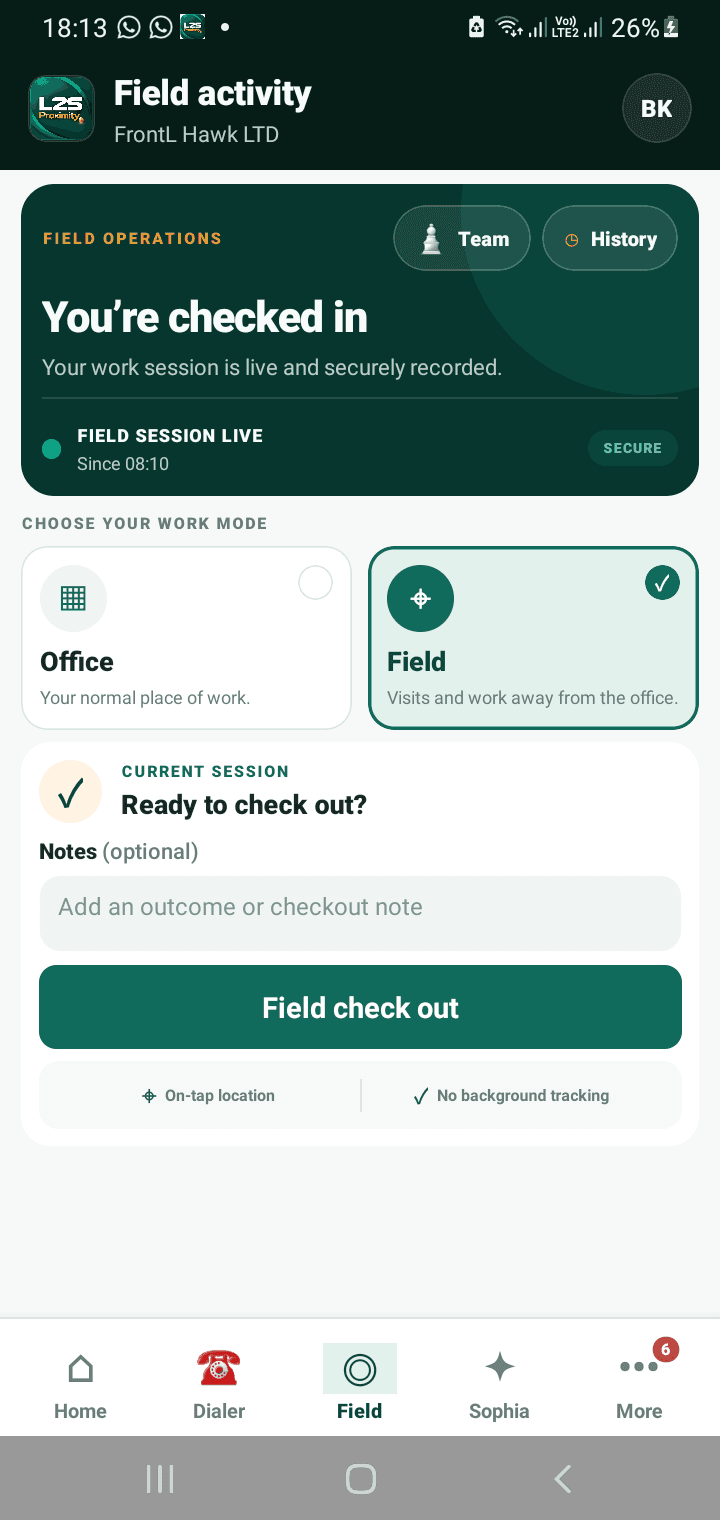
Office and field check-ins request location when the agent starts that action. The current workflow does not require continuous background route tracking.
With device permission, an agent intentionally checks in for an office or field activity. L2S records that submitted point and time so authorised managers can confirm the context of the visit without presenting continuous background movement as a product capability.
Filter a reporting period, compare calls, SMS activity and talk time, find outstanding reports and inspect every agent's evidence. Then compare communication with pipeline and sales outcomes to coach the right behaviour—not reward raw call volume alone.